
Step: 1
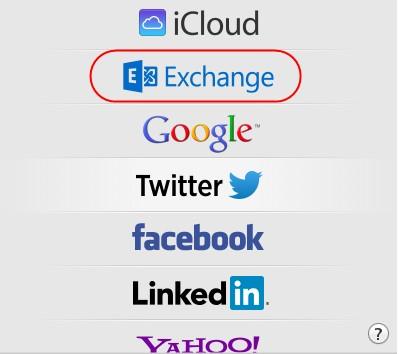
Click on Mac Mail
On the account type page, select Exchange type.
Step: 2
Enter your account credentials and click “Sign in”
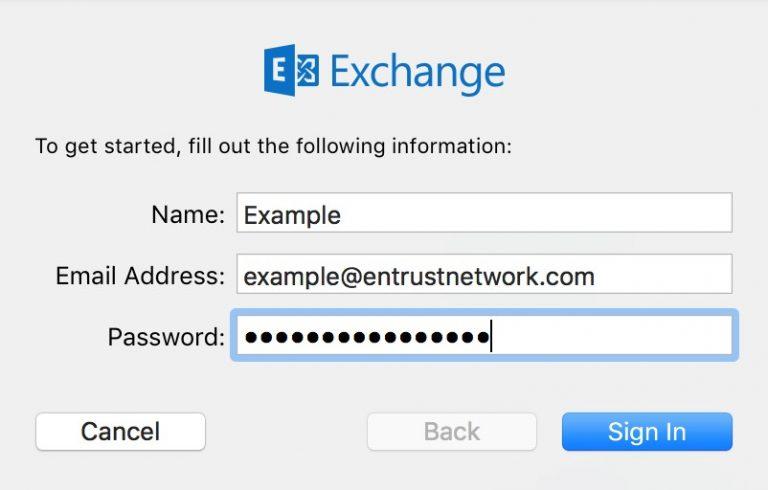
Name: Your Name
Email Address: example@entrustnetwork.com (use your own email address)
Password: Your Password
Step: 3
You will be presented with the applications to configure
Untick if you do not want to synch them to your email.
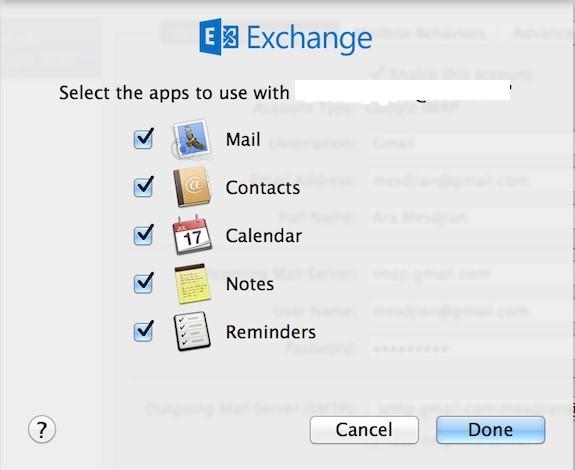
Click Done to finalize creating the account.
