
How to setup Office 365 email on Outlook

Updated On:
4 June 2019
Documented By:
Roger

Step: 1

Double-click on your Outlook application.
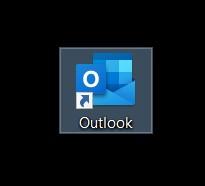
 

Double clicking Outlook application icon to open


Step: 2

Enter your email address and click “Connect”.
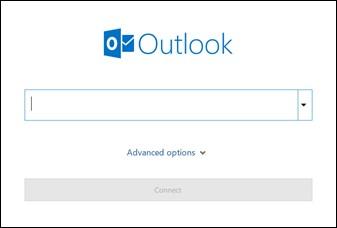
Outlook setup screen entering Office 365 email address


Step: 3

Enter your password and click “Sign in”
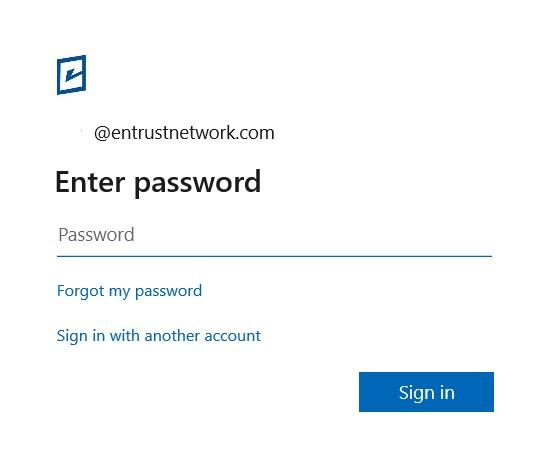
Outlook Office 365 email password entry connect screen

When the account is successfully added, the below image will appear.
Click “Done” and Outlook will open with the email account you have added.
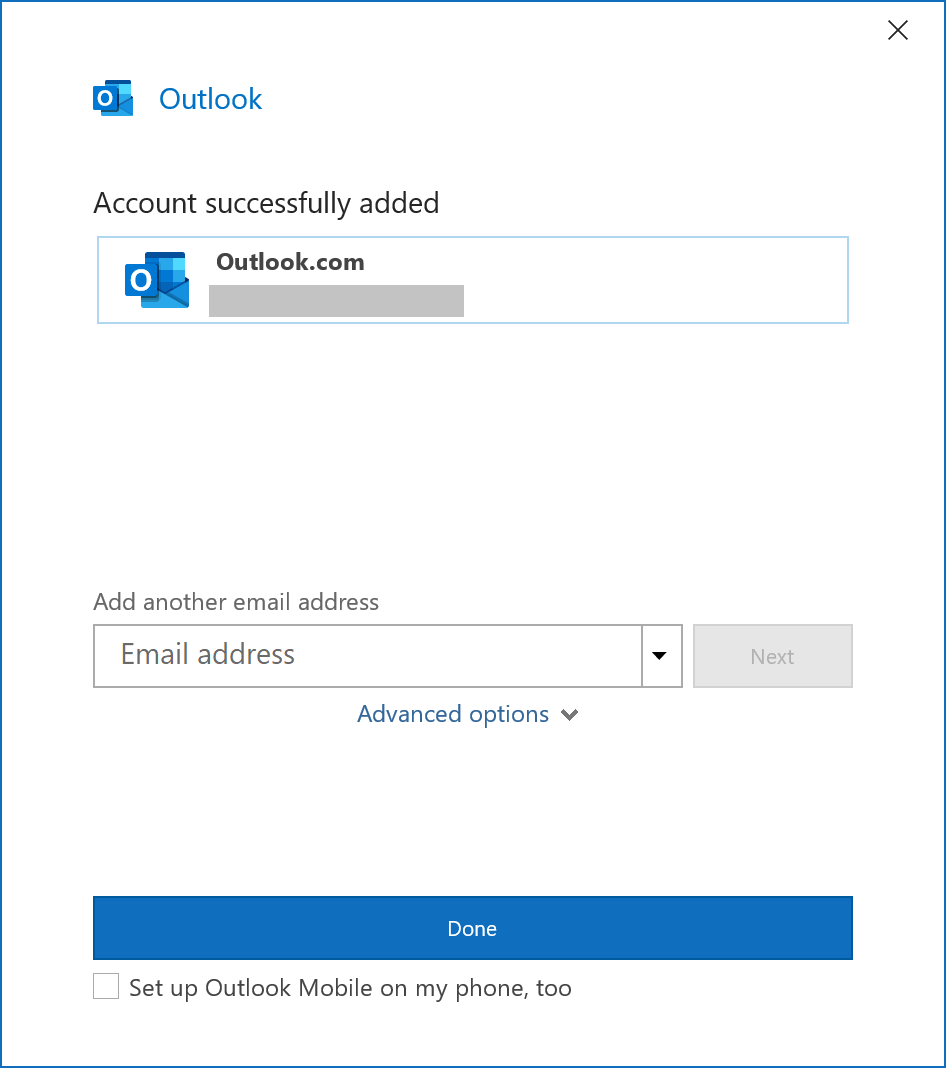
utlook Office 365 email setup complete finish screen


Talk to an Expert
Call Us Today