
What is MFA
Multi-factor authentication (MFA) is a method of confirming a user’s claimed identity in which a user is granted access only after successfully presenting 2 or more pieces of evidence.
How to reconfigure MFA
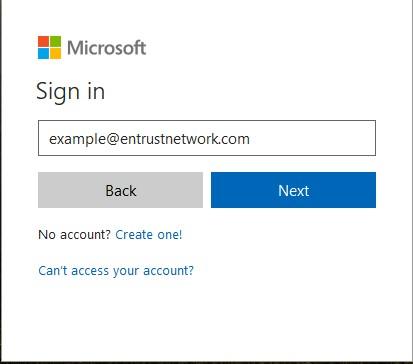
Login to your office 365 webmail (https://login.microsoftonline.com)
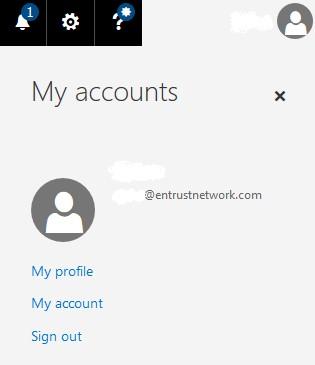
Located at the top right, click on your profile icon and select “My accounts”.
Click on Security & privacy

Select the Additional security verification -> click the Update your phone numbers used for account security

On the “verification option”, select “Notify me through app” and make sure to tick the “Authentication Phone” & “Authentication App”
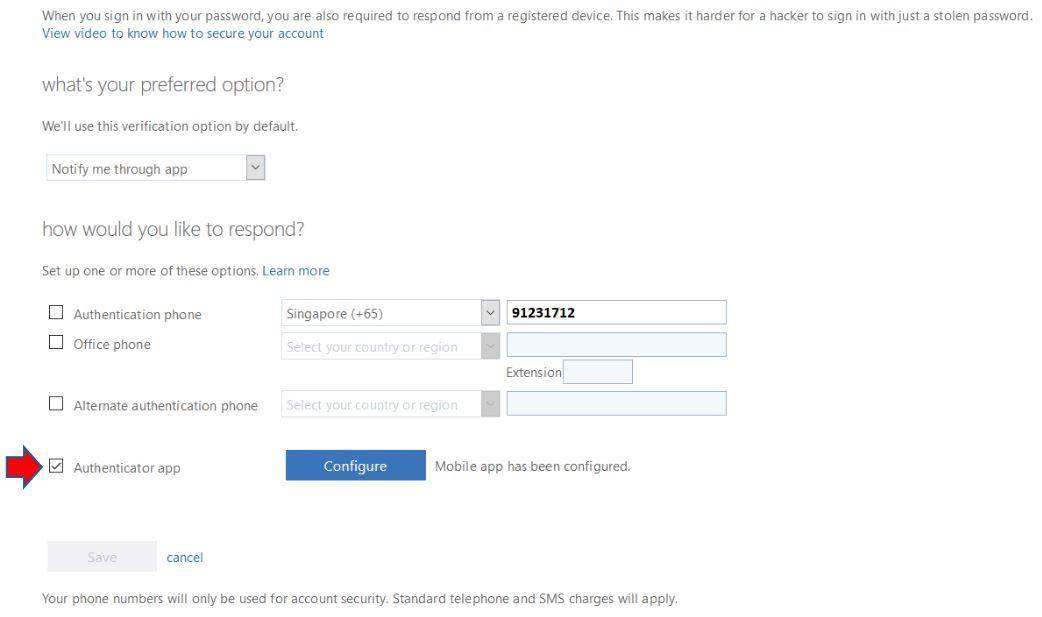
After configuring, you will be asked to scan a QR Code which will require you to use your “Microsoft Authenticator” app to scan the code

